
Are you an entrepreneur watching your competitors dominate online, wondering why your website isn’t pulling its weight? You’ve invested time and money, but the leads just aren’t coming in. It’s frustrating, right? In 2025, a beautiful website isn’t enough; it needs to be a powerhouse designed to convert visitors into loyal customers. The secret lies not just in flashy graphics, but in a strategically built website architecture that acts like a highly efficient sales funnel.
Why Your Website’s Foundation Matters More Than You Think
Think of your website as a physical store. If it’s poorly organized, with products scattered haphazardly and no clear path to the checkout, customers will get frustrated and leave. Your website is no different. Strategic website architecture is the blueprint for a user-friendly and search engine-friendly site. It ensures:
- Easy Navigation: Customers can effortlessly find what they’re looking for, whether it’s a service, a product, or your contact information.
- Clear Calls to Action (CTAs): You guide visitors exactly where you want them to go – whether it’s to make a purchase, fill out a form, or call your business.
- Google’s Approval: Search engines, like Google, love well-organized sites. A clear structure helps them understand your content, making it easier for your business to rank higher and attract more organic traffic.
When your website’s foundation is strong, it creates a seamless experience for visitors, gently nudging them down the path to becoming a paying customer.
The Secret Sauce: Mastering Website Architecture for Conversions
So, how do you build this lead-generating machine? Here are the core “secrets” we implement for our clients:
1. Siloing and Topic Clusters: Organize for Authority
Imagine your website has distinct departments, like a well-stocked library. This is the concept of siloing and topic clusters. Instead of throwing all your content onto one giant page, we organize related information into dedicated sections. For example, if you offer “e-commerce solutions,” “SaaS platform development,” and “custom web applications,” each would have its own main “silo” page. Within each silo, we’d create supporting articles and sub-pages (the “topic clusters”) that dive deeper into specific aspects.
This methodical organization makes your site incredibly easy for users to navigate and for Google to understand your expertise in specific areas. When Google sees you have comprehensive, well-structured content on a topic, it signals authority, boosting your rankings.
2. Internal Linking: The Path to Discovery
Once you have your well-organized content, the next step is connecting the dots. Internal linking means strategically placing links within your website content that point to other relevant pages on your site.
For example, if you have a blog post about “The Benefits of Custom CRM Systems,” you’d link from it to your “Custom Web Applications” service page. This does a few powerful things:
- Enhances User Experience: Visitors can easily explore related topics and services, keeping them on your site longer.
- Distributes “Link Equity”: When one of your pages ranks well, internal links help share that ranking power with other important pages on your site, boosting their visibility too.
- Aids Search Engines: Google’s crawlers follow these links to discover new pages and better understand the relationships between your content, ensuring everything gets indexed.
3. Clean URLs & Breadcrumbs: Simplicity Wins
Your website’s addresses (URLs) should be clean, descriptive, and easy to understand for both users and search engines. For instance, yourbusiness.com/services/e-commerce-solutions is far better than yourbusiness.com/page?id=12345. We always strive for keyword-rich URLs that clearly indicate the page’s content.
Breadcrumbs are those small navigational links (e.g., Home > Services > E-commerce Solutions) often found at the top of web pages. They provide a clear path of where the user is on your site, improving navigation and signaling the site structure to search engines.
4. Optimized XML Sitemaps: Guiding Google’s Way
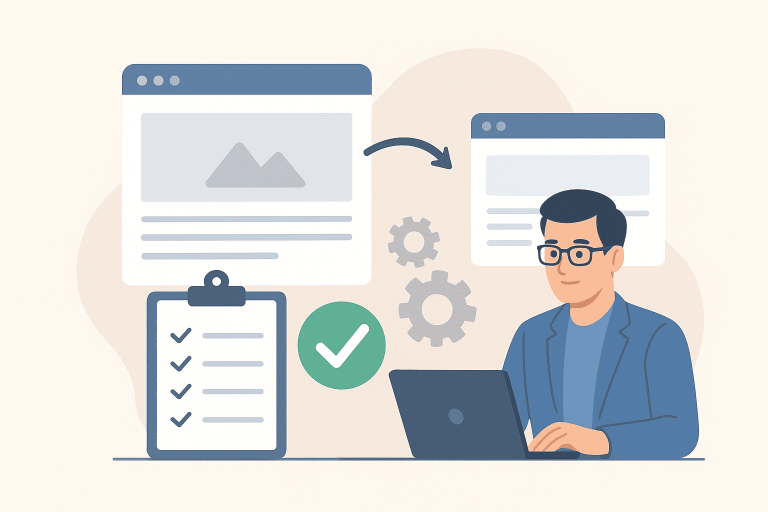
An XML sitemap is essentially a map of your website for search engines. It lists all the important pages on your site that you want Google to crawl and index. While Google can find pages through links, a well-maintained XML sitemap ensures that nothing is missed, especially important new content or pages that might be harder to discover otherwise. We generate and regularly update these sitemaps, submitting them to Google Search Console to keep Google fully informed about your website’s content.
5. Canonical Tags: Eliminating Confusion
Sometimes, you might have very similar pages on your website – perhaps different versions of a product page, or content that appears in multiple categories. Without proper handling, Google might see these as duplicate content, which can dilute your SEO efforts. This is where canonical tags come in. A canonical tag tells search engines which version of a page is the “master” or preferred version. This prevents confusion, consolidates ranking signals, and ensures your most important content gets the credit it deserves.
Ready to Transform Your Website into a Lead-Generating Powerhouse?
Ignoring your website’s architecture is like trying to build a skyscraper on a weak foundation. It might look good on the outside, but it won’t stand the test of time or deliver the results you need.
By focusing on these core website design “secrets,” you’re not just building a pretty website; you’re building a strategic asset that attracts more visitors, converts more leads, and ultimately skyrockets your business growth.
Is your current website architecture holding you back?